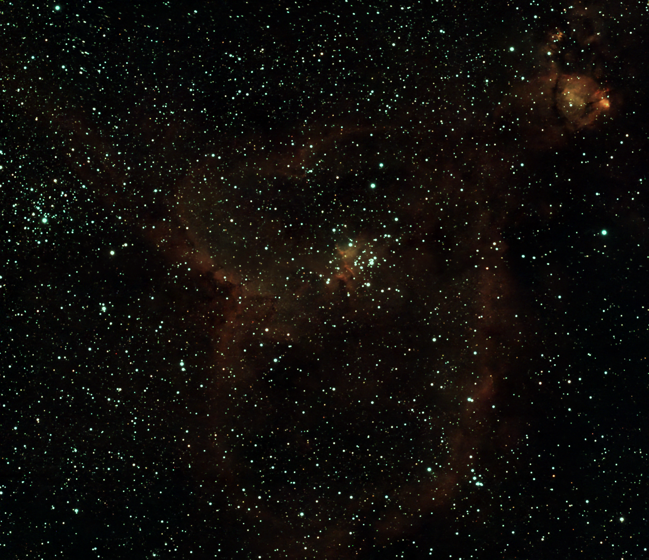
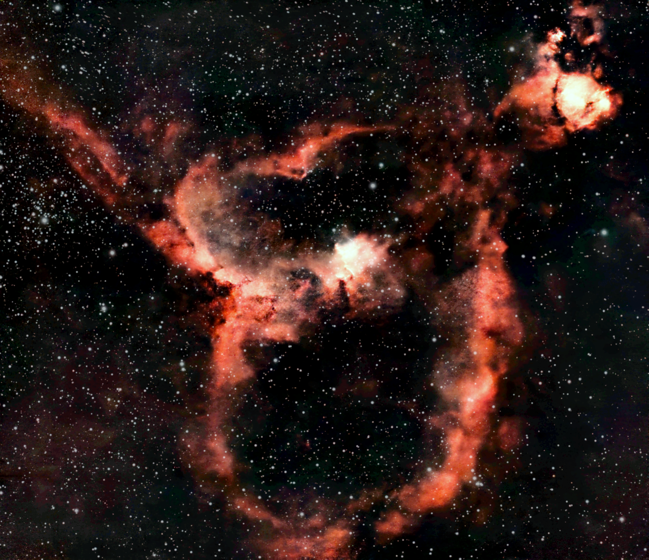
DeepSky processes FITS and TIFF files with a dedicated astrophotography pipeline for galaxies, nebulae, and star clusters. Upload, run, compare, and download the result.
DeepSky is designed around common SeeStar, FITS, and TIFF workflows: green casts, lifted backgrounds, noisy skies, faint arms, soft nebula structure, and files that may already be stretched.
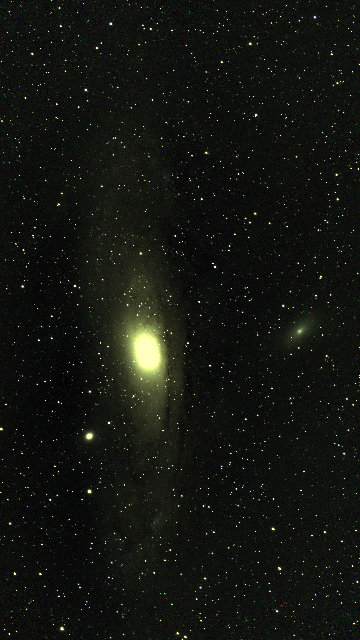
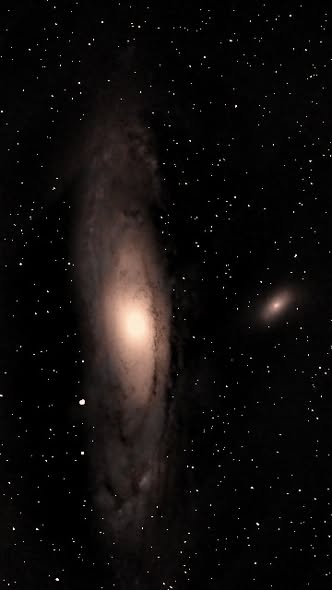
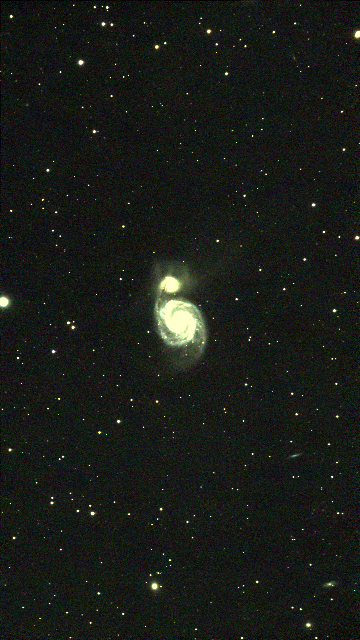
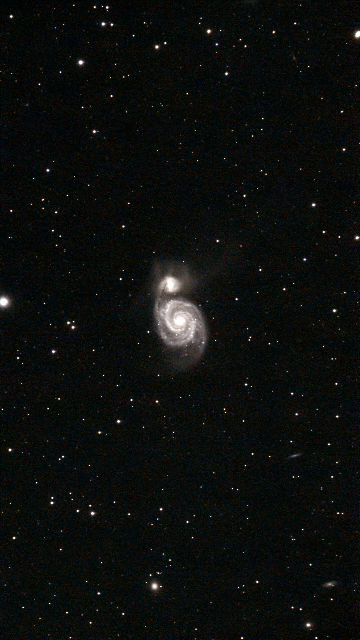
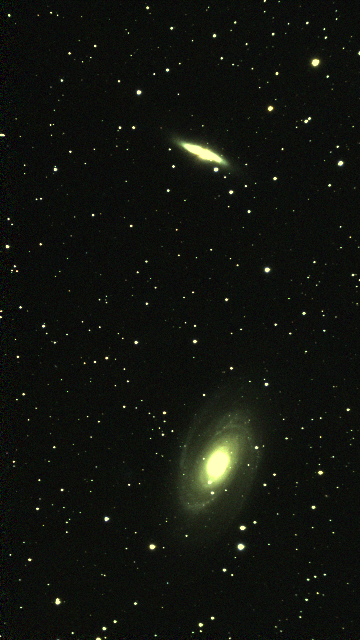
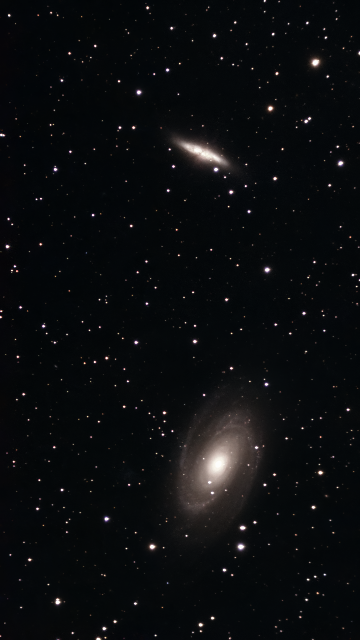
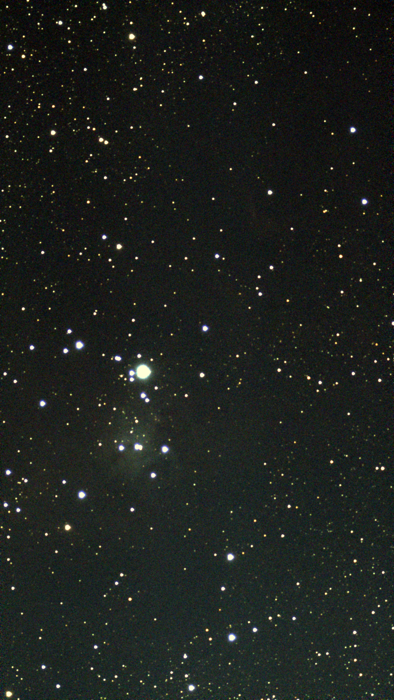
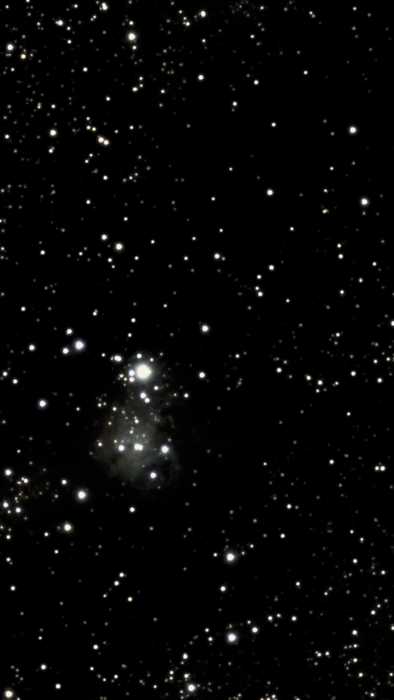
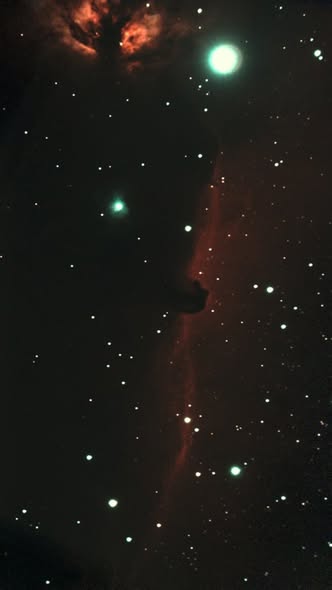
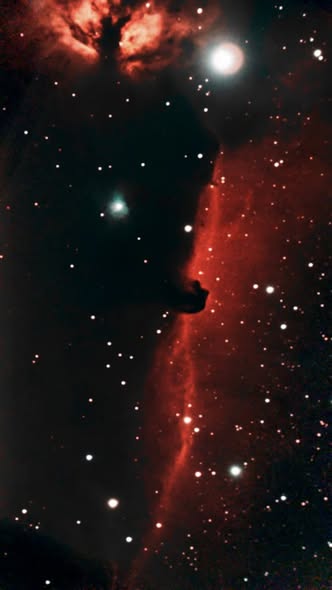
Astrophotography processing usually means juggling multiple tools, settings, and guesses. DeepSky gives beginners and serious hobbyists a faster first result while keeping the workflow simple.
Reduce color speckling and noisy sky while protecting stars and the main target.
Choose nebula, galaxy, or star cluster so the pipeline uses the right finishing style.
DeepSky can skip the heavy stretch when an image already has a visible histogram.
RGB files stay RGB through preview, processing, and output.
Upload common astronomy formats without converting files by hand first.
Review the processed image, then save the final TIFF or PNG.
Drop a FITS or TIFF file and preview it immediately.
Select nebula, galaxy, or star cluster for the right processing profile.
DeepSky stretches, calibrates color, denoises, and prepares the final image.
Review before and after side by side, then download the finished TIFF.
DeepSky currently accepts FITS, FIT, FTS, TIF, and TIFF files up to 300 MB.
Yes. DeepSky is being tuned around real SeeStar-style FITS and TIFF uploads, including both linear and already-stretched files.
Siril handles color calibration and background extraction when the file has the metadata needed. Nebula mode then uses masked DeepSky color separation to enhance real red/orange and blue/cyan structure without coloring empty background.
No. It is meant to produce a strong first processed result quickly, especially for users who do not want to spend hours tuning multiple astronomy tools.
Yes. Create an account or sign in to process images. Your first 5 images are free.
Upload a deep-sky image, run the pipeline, and compare the result side by side.
Process An Image